

- Built-in webhook signature validation
- Fully typed webhook payloads
Get Started
Use our sandbox environment during developmentSo you can easily test purchases, subscriptions, cancellations and refunds to
automatically trigger webhook events without spending a dime.
1
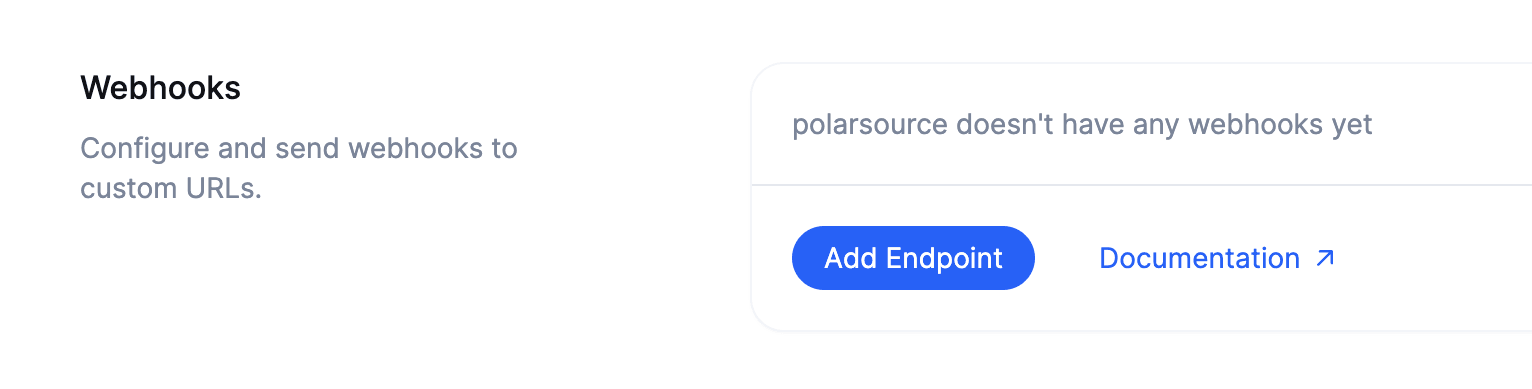
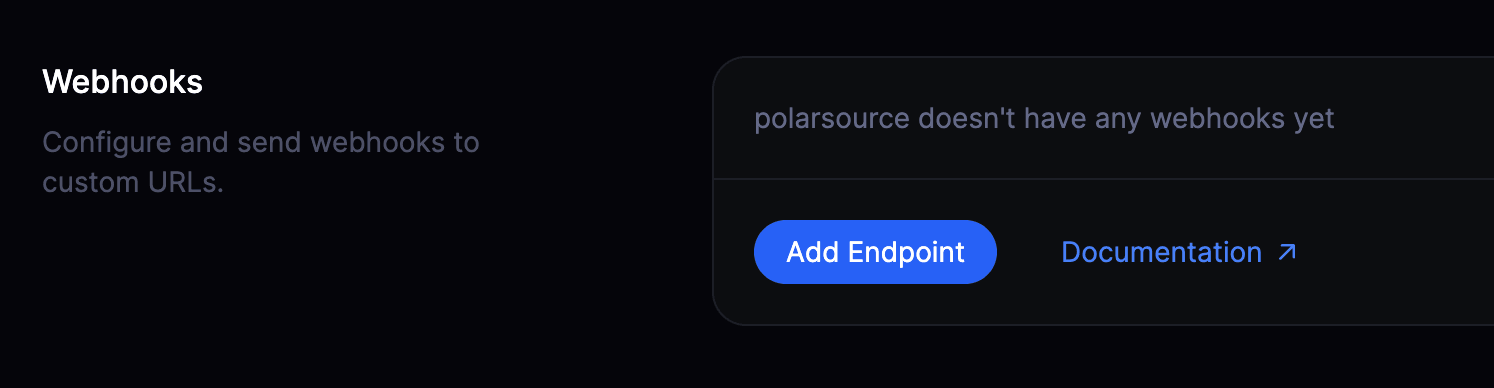
Add new endpoint
2
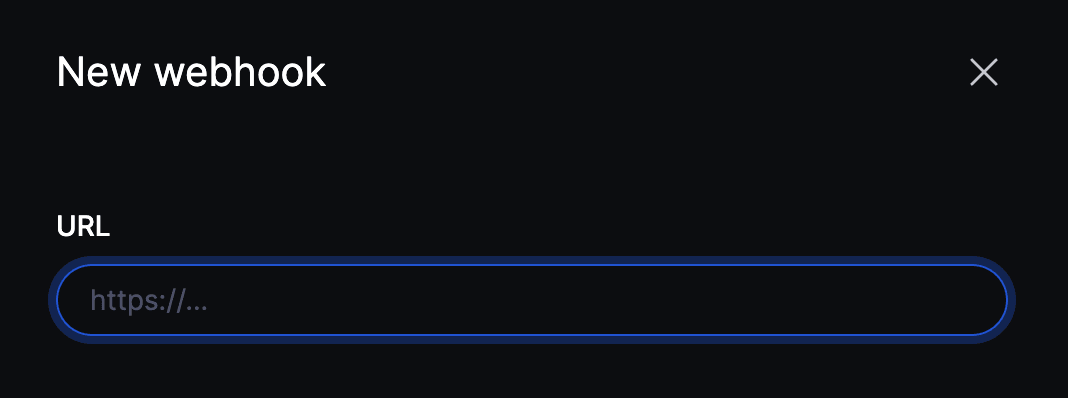
Specify your endpoint URL
Enter the URL to which the webhook events should be sent.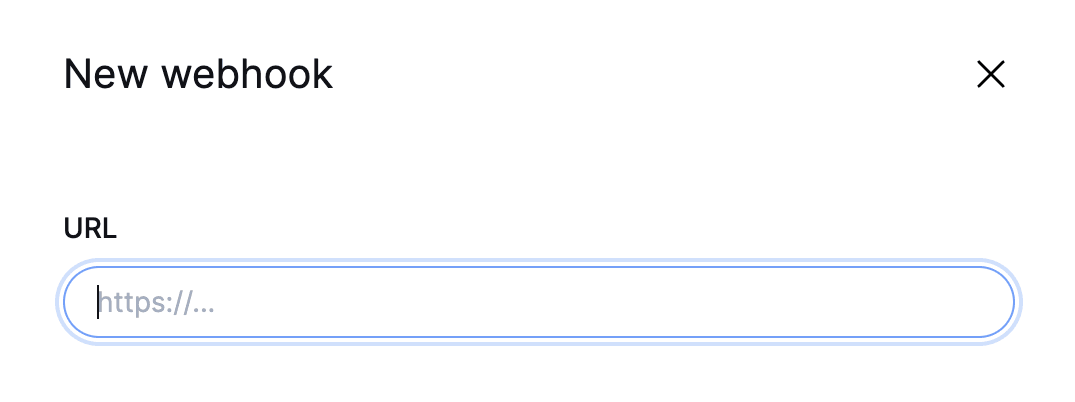
3
Choose a delivery format
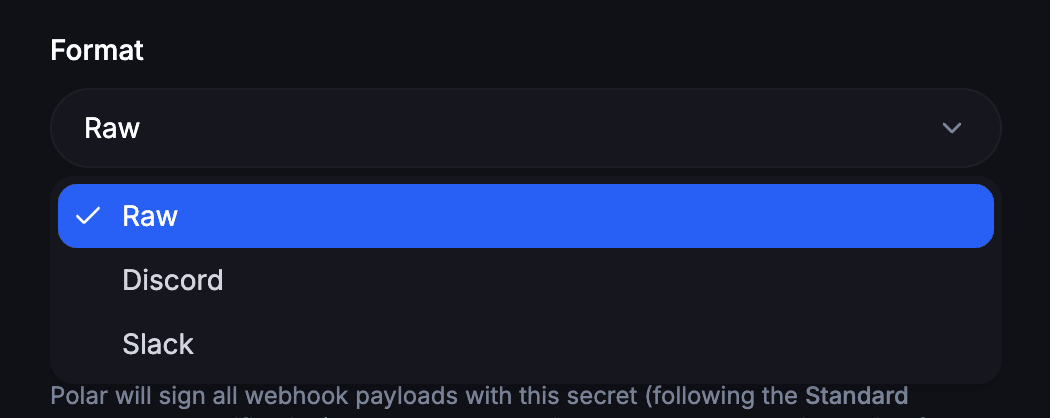
For standard, custom integrations, leave this parameter on Raw. This will send a payload in JSON format.If you wish to send notifications to a Discord or Slack channel, you can select the corresponding format here. Polar will then adapt the payload so properly formatted messages are sent to your channel.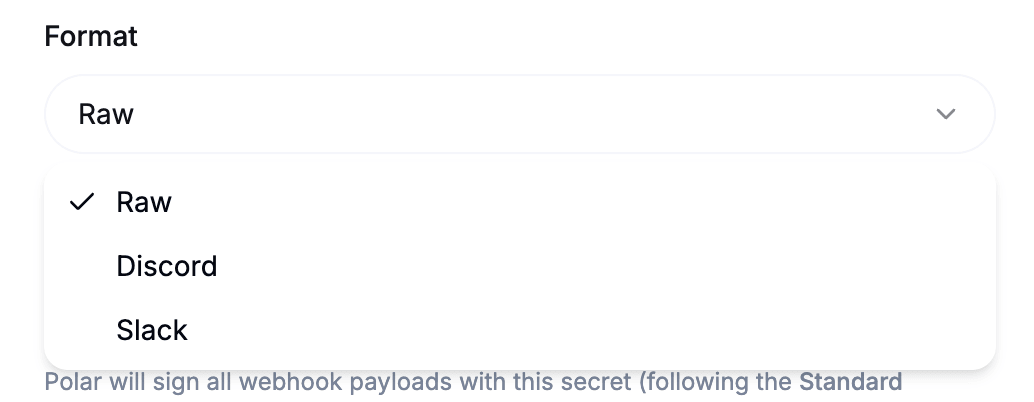
4
Copy the secret
Polar generates the secret when it creates the endpoint. You can’t set your
own. Open the endpoint in Settings → Webhooks and click Copy Secret.
We sign every request with it, so you can verify payloads come from Polar.To rotate it, click Reset Secret. The old secret stops working
immediately.
5
Subscribe to events
Finally, select all the events you want to be notified about and you’re done 🎉